 NIKA
Markdown viewer that reads aloud
Nika opens .md files as a clean page and reads them to you with the voices already in Windows. Free for personal use. Your documents never leave your computer.
Coming soon to Microsoft Edge Add-ons
For Microsoft Edge on Windows.
What it does
Reads aloud, word by word
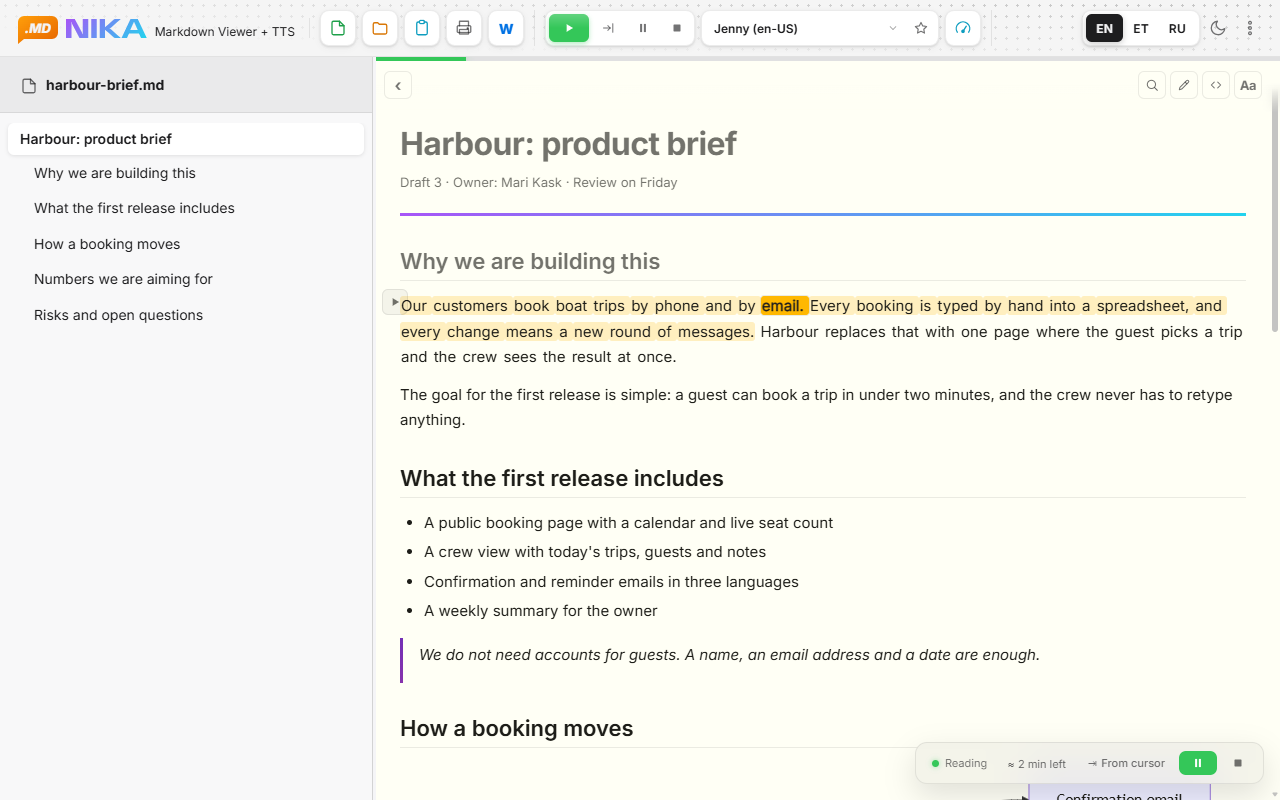
Highlights the sentence and the word being spoken and scrolls along. Natural Microsoft voices, installed ones or online.
Remembers your place
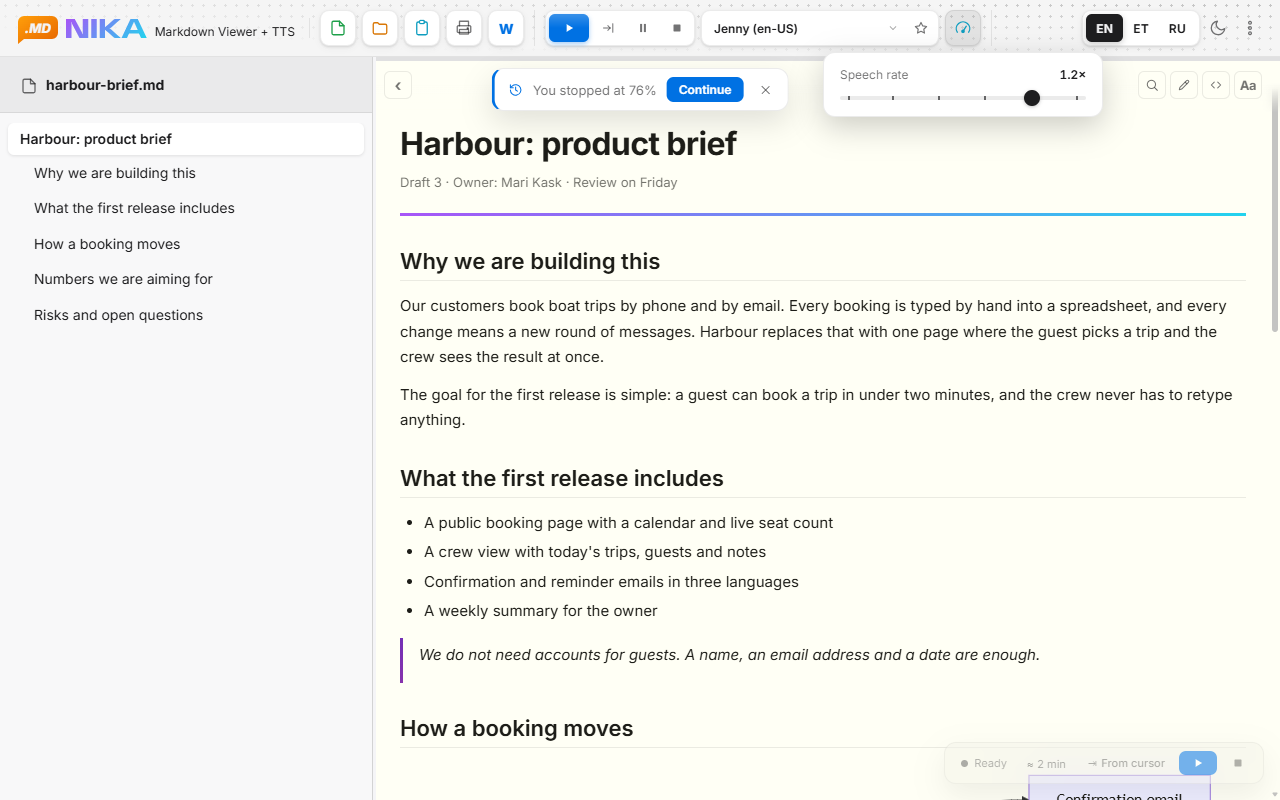
Close the file and come back later: Nika offers to continue where you stopped and shows how much listening time is left.
Made for long documents
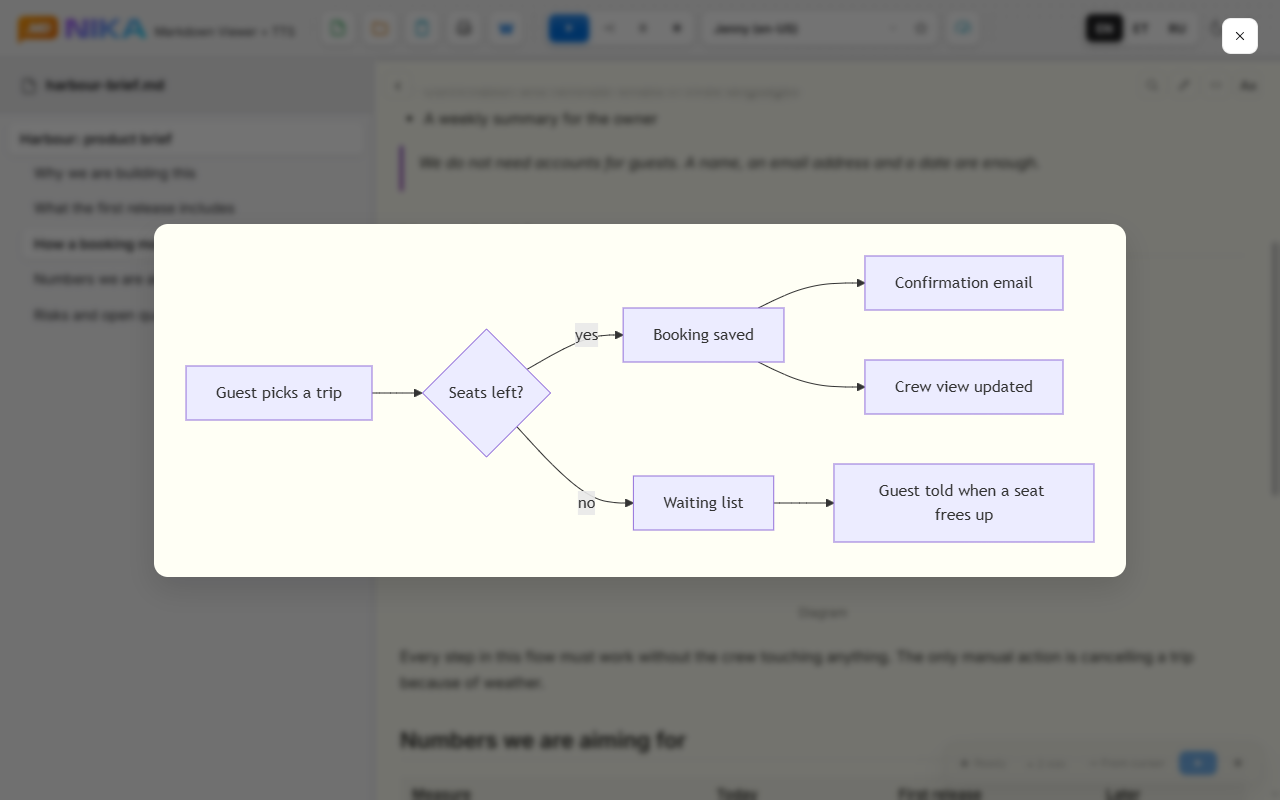
Table of contents, search, Mermaid diagrams, code and tables.
Pictures up close
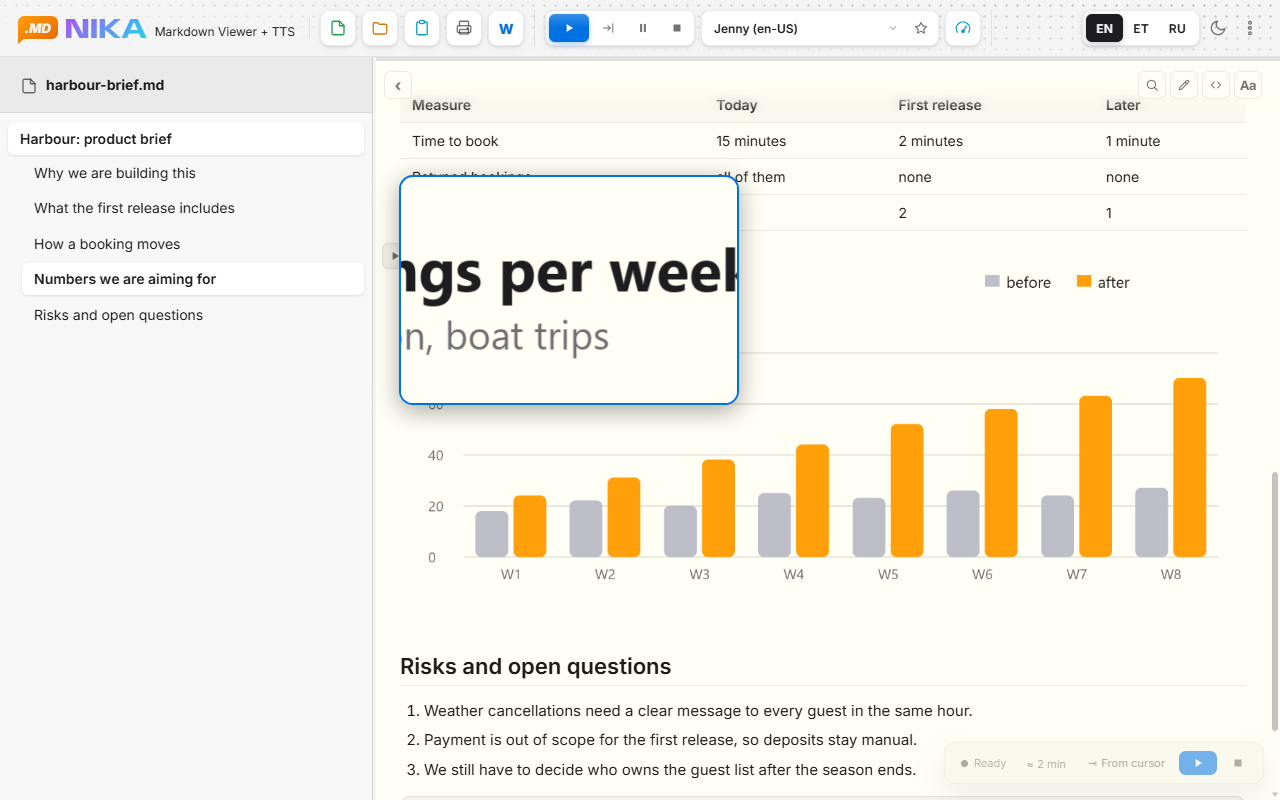
Click a picture or a diagram to see it large. Right-click for a magnifier.
Easy on the eyes
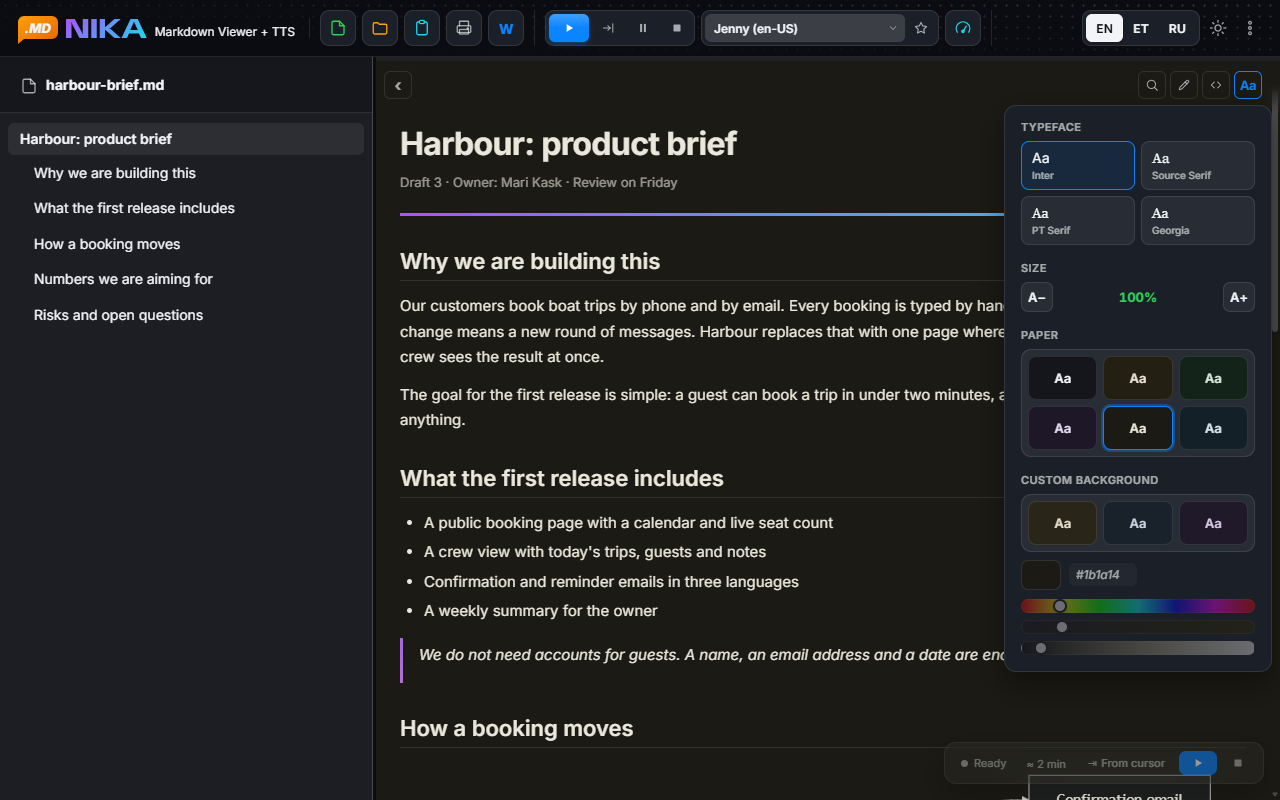
Four typefaces, six paper colours, a dark theme and the text size you like.
Print, PDF, Word
Export a tidy document, with working links.
A closer look
Stays on your computer
The extension has no network permissions at all: no analytics, no account, no upload. One thing to know: voices marked with a lightning bolt are Microsoft online voices that Windows synthesises on Microsoft servers, so the text being read goes there. Voices without the mark work entirely on your computer.
Free and Pro
Reading aloud is free and has no limits. Pro is for people who use Nika at work.
Free
0 € for personal use
- Reading aloud without limits
- All system voices, including online ones
- Contents, search, diagrams, themes
- Print, PDF and Word, with a small free-version line at the end
- One pinned favourite voice
Pro
18 € per year
or 36 € for 5 years, that is 0.60 € a month
- Documents without the free-version line
- Edit the Markdown text in the reader and save to the same file
- Any number of pinned favourite voices
- No offers in the interface
Team
12 € per person per year
from 3 seats
- Everything in Pro
- One licence per colleague
Pro licences go on sale together with the release in the store.
Questions
Which browser does it need?
Microsoft Edge on Windows. Nika uses the speech voices that Windows provides.
Can I open .md files by double click?
Yes. Edge asks you once to allow file access for the extension, and Nika shows how. The "Open file" button works right after installing.
Do I need Pro for personal use?
No. Pro is meant for work: clean documents without the free-version line, and editing.